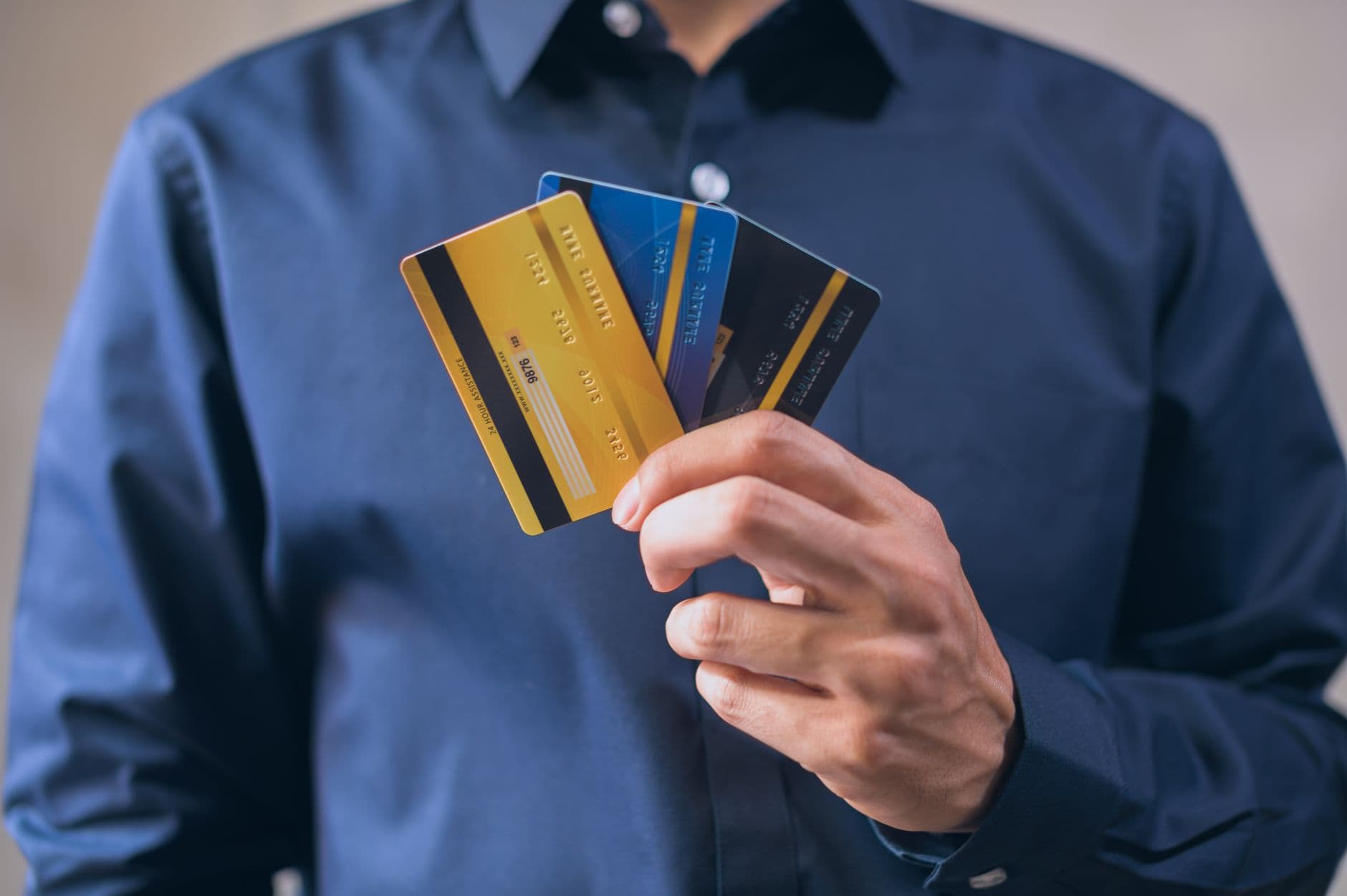
اختر شريكًا يوفر عملية توظيف عن بُعد للعملاء الأجانب، وتأكد من خيارات اللغة عبر مكتبهم الدولي. اتصل بهم لتأكيد المستندات والمواعيد النهائية وخطوات التحقق. بالإضافة إلى ذلك، تأكد من أن المزود يوفر بوابة جوالية للوصول إلى التحديثات.
هذه هي الوثائق الأساسية: جواز السفر، بطاقة الهجرة، رقم الضريبي، أوراق تسجيل الشركة، وإثبات العنوان. يجب أن تكون النسخ الممسوحة ضوئيًا عالية الدقة وواضحة؛ يفضل رفعها عبر تطبيق الهاتف المحمول. عادةً ما يتم إكمال العملية خلال 2-5 أيام عمل، لكن قد تشمل التكاليف رسوم التحقق ورسوم الخدمة التي تختلف حسب المزود.
لتتمويل العلاقة، ابدأ بإجراء تحويل مصرفي أو دفع بالبطاقة؛ فهم التكاليف، الجداول الزمنية، والحد الأقصى. للأنشطة التجارية، ابحث عن حزمة بديلة تدعم قدرات العملات المتعددة، طرق التحقق المرنة، وسهولة التنقل عبر بوابة الإنترنت. هذه الخيارات تتيح لك الوصول إلى الأموال بسرعة تحت شروط مواتية.
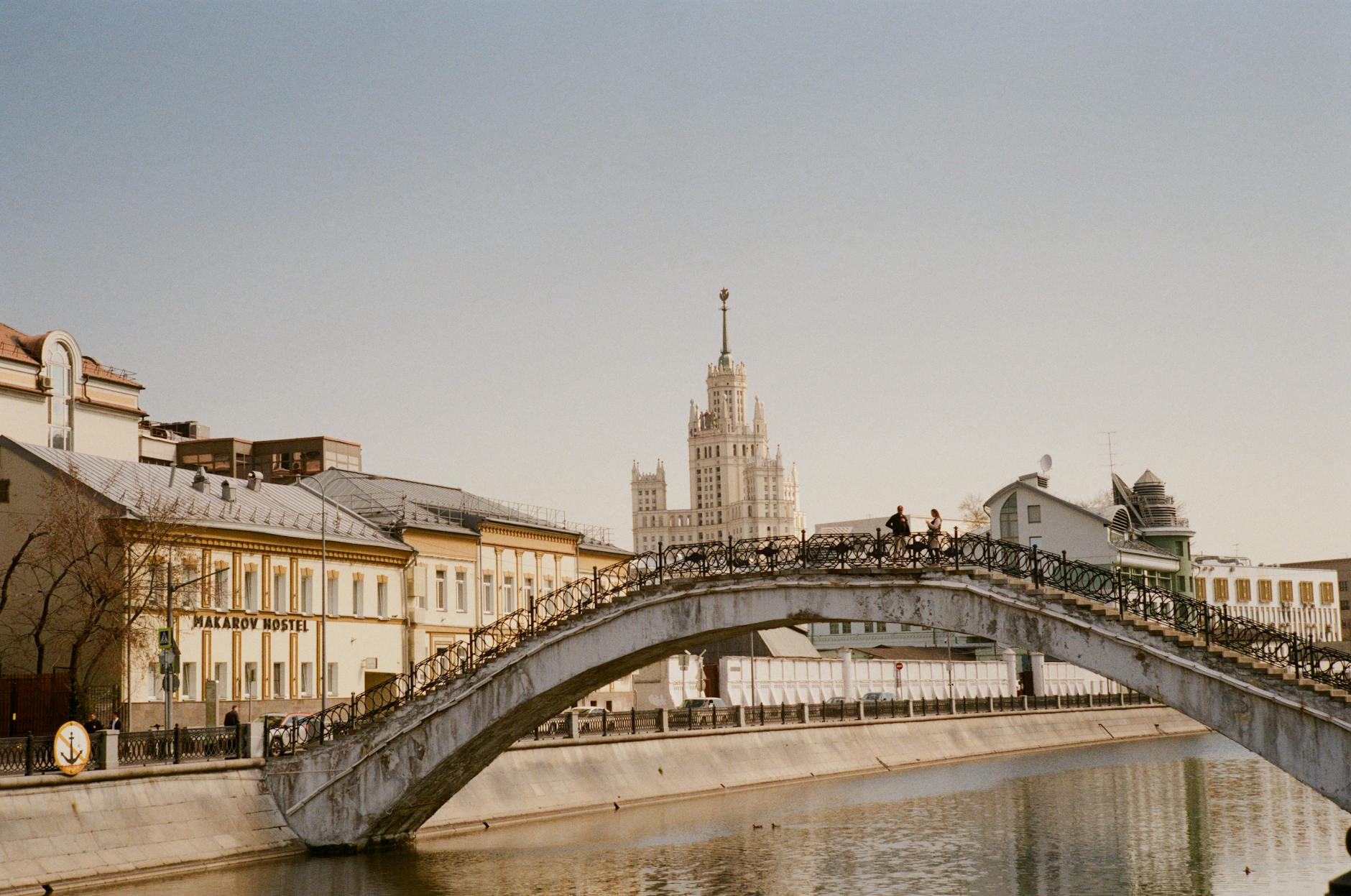
إذا كنت تعمل من موسكو أو تريد دعمًا شخصيًا، يمكن أن يقصر وجود اتصال محلي بالقرب من شارع مياسنيتسكايا من عملية جمع المستندات. جدّ Meeting قصيرة بالقرب من ممر برودي مراجعة الشروط، أو توقيع الاتفاقيات، أو إكمال التحقق من الهوية. استخدم التحويل المصرفي فقط عبر القنوات الرسمية، واحتفظ بنسخ مادية ومعلومات الاتصال تحت اليد.
الوثائق المطلوبة لفتح حساب في روسيا
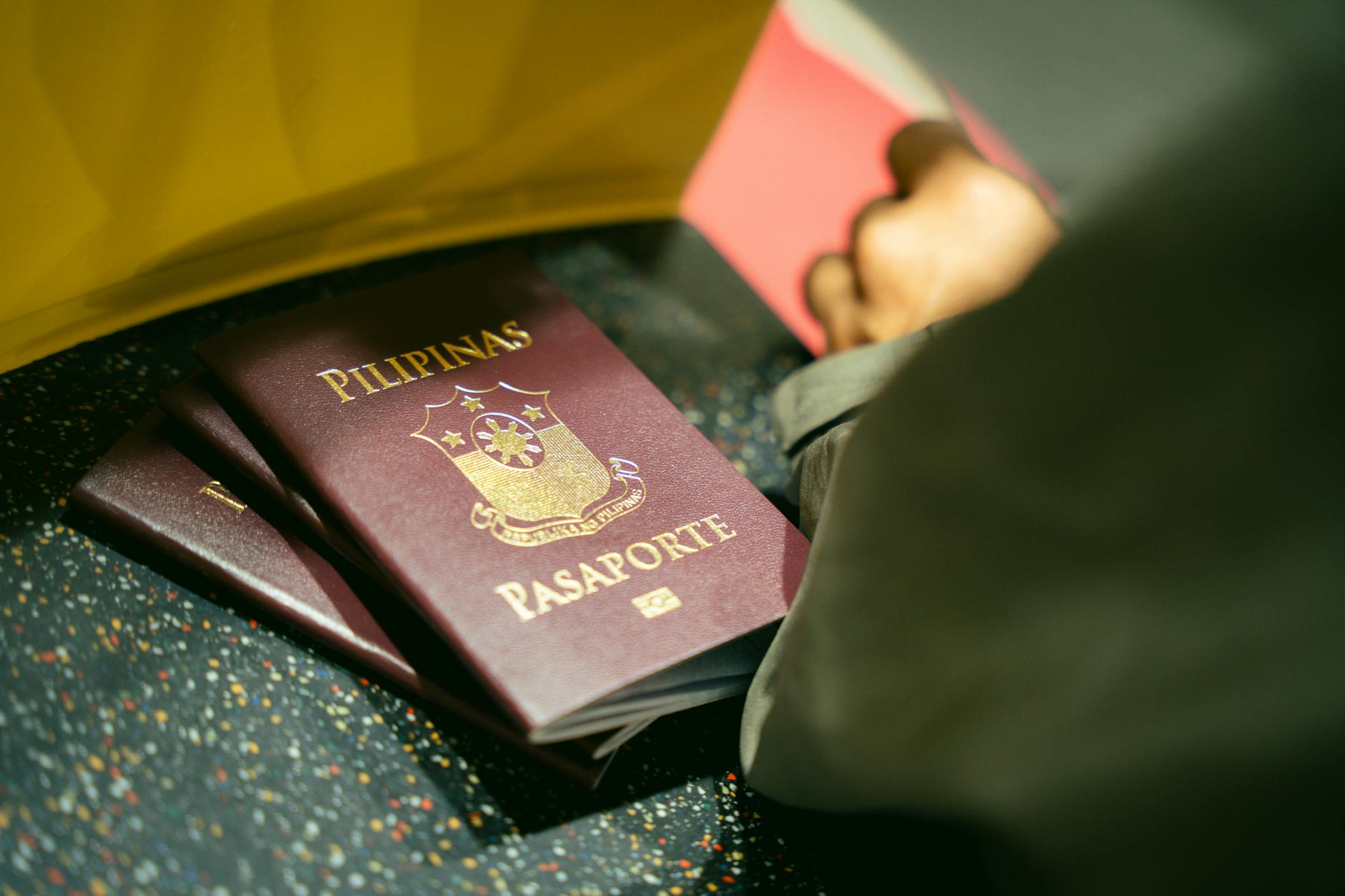
تأكد من إعداد ملفات الوثائق الكاملة مسبقًا، بما في ذلك النسخ الأصلية والنسخ المترجمة، وخذ في الاعتبار أي عناصر إضافية تطلبها الجهة المقرضة. احتفظ بجميع الوثائق منظمًا أثناء زيارات الفروع أو تقديم الطلبات عبر الإنترنت.
تأشيرة وجواز سفر: جواز سفر صالح لمدة ستة أشهر على الأقل من تاريخ الانتهاء، بالإضافة إلى تأشيرة أو تصريح إقامة إذا لزم الأمر؛ يجب على غير المقيمين تقديم بطاقة الهجرة من عند الدخول، وقد يُطلب منك تقديم صورة جواز سفر.
إثبات العنوان: قدم دليلاً على مكان إقامتك - عقد إيجار أو تسجيل فندق أو تسجيل مؤقت (بروبيسكا) إذا كان ذلك مناسبًا؛ بالنسبة لطلاب السكن الجامعي، قد يكون خطاب السكن الجامعي كافياً، بالإضافة إلى العنوان في سجلك.
الهوية والحالة: احضر شكلاً إضافياً من هوية الصورة إذا كان متاحاً (الهوية الوطنية أو رخصة القيادة) وتأكد من تطابق الأسماء عبر الوثائق.
وثائق الضرائب والدخل: خطاب توظيف أو تأكيد منحة للطلاب؛ إيصالات الراتب للشهرين أو الثلاثة أشهر الأخيرة تساعد، ورقم الضريبة الشخصية (INN/TIN) إذا كان لديك؛ قد لا يتطلب بعض المقرضين غير المقيمين ذلك، لكن وجودها مفيد.
مصدر التمويل والدفع الأولي: يجب أن تظهر سجلات التحويل أو تاريخ المعاملات؛ قد تحتاج إلى إظهار مبلغ يغطي رسوم بدء الخدمة أو رصيد أدنى؛ يمكن أن يساعدك بيان بنكي أو رسالة من راعيك.
نموذج الطلب وخيارات عبر الإنترنت: ستملأ نموذجًا في الفرع أو تكمل تقديمًا عبر الإنترنت؛ تقدم العديد من المؤسسات المالية التحقق عن بعد والتحقق من الهوية عبر الفيديو مما يتيح معالجة سريعة.
نصائح خاصة بالجامعة: يجب على الطلاب داخل الحرم الجامعي إرفاق تأكيد التسجيل، وLetter of Campus Housing، وLetter من الجامعة تشير إلى مدة البرنامج؛ حيث أن ذلك يسرع من عملية المراجعة.
الاستشارة المتخصصة: إذا كان وضعك غير عادي أو دولي، فطلب استشارة متخصصة؛ سيحقق المتخصصون المتطلبات، ويقدمون اقتراحات إضافية، ويوفرون قائمة مراجعة مخصصة؛ يمكنك العثور على الإرشادات المقدمة في الفرع أو على الموقع الرسمي.
الرجاء التأكد من المبلغ الأولي الدفع، حيث تتطلب بعض الشركات إيداعًا أدنى لتفعيل الخدمات؛ تأكد من أن الترجمات معتمدة إذا لزم الأمر؛ احضر جميع النسخ لتسهيل المعالجة؛ تذكير آخر هو التحقق من طرق الدفع ووقت إصدار البطاقات.
الخلاصة: بعد تقديم الطلب والتحقق منه، ستتلقى تأكيدًا ووصولًا عبر الإنترنت إلى أدوات الدفع الخاصة بك؛ خطط لجمع بطاقتك وكيفية تنشيط الخدمات؛ الحفاظ على رقم المرجع مفيد لحل أي عنصر مفقود بسرعة.
اختيار بين فتح الحساب في الفرع مقابل فتح الحساب عبر الإنترنت
توصية: ابدأ بالتدفق عبر الإنترنت لتسريع الوصول وتقليل الرسوم؛ إذا واجهت الحاجة إلى نسخ معتمدة أو التحقق من الموقع، اكمل العملية داخل الفرع مع إرشاد الموظفين. هذه الطريقة مناسبة لمANY profiles.
لتقرر، قم بالبحث عن نطاق الخدمات، والرسوم المحتملة، والمستندات المطلوبة. قد تختلف الخطوات المطلوبة للحصول على وضعية روسية أو أجنبية، وتتمثل في تقديم أدلة مثل فاتورة خدمات عامة أو رسائل مصدقة من قبل كاتب عدل. اعد نفسك لمليء النماذج بدقة، وجمع أدلة الهوية والعنوان، وافكر في استشارة محامي عندما تكون الوضعية معقدة. يمكنك متابعة تقدم العملية عبر البوابة، ويمكنك إرسال مواد إضافية حسب الحاجة؛ هذا يساعد في تجنب التأخير ويضمن استمرار العملية على المسار الصحيح، مع تقديم نيل الإرشاد عند ظهور أي استفسارات.
مسار داخل الفرع
التعامل داخل الفروع يوفر التحقق الفوري للمستندات، وإمكانية التصديق على الوثائق في المكان نفسه، ومساعدة مباشرة في ملء النماذج والتوقيعات. يمكن للموظفين التحقق من إثبات العنوان باستخدام فاتورة الخدمات العامة ومساعدتك في اختيار مجموعة من المنتجات التي تناسب احتياجاتك. بالنسبة للعاملين الأجانب أو موظفي الشركات، غالبًا ما تسريع الجلسة في الموقع الموافقة النهائية وتوضيح أي استفسارات حول الالتزام؛ ستخبرك عن الرسوم القابلة للتطبيق وكيفية توجيه التحويلات المستقبلية أو إصدار البطاقات.
مسار عبر الإنترنت
التثبيت عبر الإنترنت يتيح تقديم النماذج بسرعة، التوقيعات الرقمية، وإرسال مسح الوثائق الإثباتية والعنوان. يمكنك تتبع الحالة، استلام الإشعارات، وإدارة المسار الرقمي المتزايد؛ معظم الخطط تدعم نطاقًا واسعًا من الخدمات مع رسوم أقل من الطريق داخل الفرع. ومع ذلك، قد تتطلب بعض الحالات نسخًا مصدقة أو أصلية يتم إرسالها عبر الشحن السريع، مما قد يمتد إلى الوجهة. إذا كنت تتمتع بحالة أجنبية، استشر محاميًا أو فريق الامتثال؛ قد يوضح نيل الخطوات الدقيقة وما هو مطلوب من إثباتات. تأكد من ملء جميع الحقول بدقة وكن مستعدًا لتقديم وثائق إضافية إذا تم طلبها؛ المسار عبر الإنترنت يناسب من يقدر السرعة والراحة.
أنواع مختلفة من الإيداعات للمقيمين مقابل غير المقيمين
التوصية: يجب على المقيمين اختيار منتج خزنة شخصي مع الوصول إلى مكتب محلي وتكامل مع الرواتب، مما يتيح معالجة أسرع شخصيًا؛ يجب على غير المقيمين الاعتماد على خيارات تنشيط عن بعد مع دعم عبر الحدود، بما في ذلك الروابط إلى النماذج الرسمية والفحوصات التزامية واضحة. هذا النهج أكثر استقرارًا من الخيارات العامة للاستخدام طويل الأمد.
الاستحقاق، الوثائق المطلوبة والممارسات الأساسية
- ما يعتبر مؤهلات أساسية: إثبات الإقامة، التسجيل في عنوان محلي، وفي حال الحاجة، إثبات العمل أو الطالبية؛ ثم إعداد حزمة الوثائق القياسية.
- الوثائق المطلوبة عادةً تشمل جواز سفر، بطاقة التسجيل المحلية، ومعلومات الاتصال الحالية؛ قد يقدم غير المقيمين أيضًا صفحة التأشيرة وكارت الهجرة.
- المقار مقابل عبر الإنترنت: يمكن للمقيمين إكمال التحقق في مكتب محلي، بينما يتم تقديم التحقق عن بعد عبر روابط آمنة ومكالمات فيديو لمANY non-residents. المراجعة الامتثالية هي المعيار في كلا الطريقتين.
- رابط الطلب الرسمي يجب استخدامه فقط لتجنب الاحتيال؛ يمكن مشاركته مع بيانات المتقدم شخصيًا لإرساله.
- التحقق في الممارسة قد يتم إكماله خلال أيام قليلة؛ بعد المراجعة الناجحة، تكون التفعيل متاحًا ويمكن إرسال التنبيهات إلى بريدك الإلكتروني أو هاتفك.
- نيل من فريق إدارة الالتزام يتولى التحقق من الحالات المعقدة أثناء الفحوصات الشخصية.
- التحقق الشخصي يمكن أن يحدث في مكتب محلي أو في محطات الخدمة (محطات) إذا فضّل المتقدم الفحوصات المادية.
تنشيط، الميزات، والإدارة المستمرة
- التفعيل: بعد مرور التحقق، يتم تنشيط الخدمة؛ يمكنك استلام بيانات الدخول أو بطاقة في المكتب أو عبر الشحن السريع، حسب الحالة والمنطقة.
- فرص: عادةً ما تتيح ملفات المقيمين دمج الرواتب، واستخدام بطاقة أساسية، وإجراء تحويلات محلية؛ بينما يحصل غير المقيمين عادةً على قدرات محدودة في تحويلات الحدودية ومعالجة العملات.
- الموظفون في المكتب وفريق الامتثال يقيّمون البيانات؛ اتصل بالمكتب إذا كنت بحاجة إلى تحديثات أو تغييرات في وضعك؛ يمكنك أيضًا مراجعة الخيارات عبر الموقع الرسمي.
- غير المقيمين يجب أن يقيموا ما يمكن تحقيقه عن بُعد، مثل تنشيط الخدمة من خارج البلاد، بينما يمكن للمقيمين الاستفادة من المساعدة السريعة شخصيًا في محطةهم المحلية.
- لتحافظ على الالتزام بالمتطلبات، يجب عليك مراجعة إشعارات الالتزام بانتظام وتحديث المستندات؛ ذلك يساعد في تجنب التوقف عن الخدمة.
- إكمال إعداداتك. تفعيل جميع الميزات المرتبطة وتفعيل الحماية المناسبة مثل الإشعارات والتحقق من الهوية الثنائية.
- رابطات للصفحات الرسمية وخيارات الاتصال متاحة للرد السريع؛ ثم يمكنك إدارة المنتج بفعالية مع مساعدة فريق الإدارة وفريق الدعم.
ملخص الرسوم، الحدود، وخيارات البطاقات
التوصية: امتلاك بطاقة بدون رسوم سنوية، ورسوم معاملات خارجية منخفضة، ودعم باللغة الإنجليزية يساعد الزوار الأجانب في إدارة المدفوعات اليومية والتحكم في الإنفاق. للتعامل مع المعاملات والحوالات، قارن الخيارات في السوق قبل الوصول وتحقق من تغطية الصراف الآلي في المدن الرئيسية. تأكد من أن الصادر يوفر ترجمة الشروط، وأن قنوات الدعم متاحة؛ هذا يضمن سير العمليات بسلاسة ويقلل المخاطر. الفائدة واضحة في الشروط الواضحة، الأمن الأفضل، والمساعدة الموثوقة للزوار، ليس فقط في دفع الفواتير، بل أيضًا في حالات الطوارئ.
المحدوديات والرسوم التي يجب التحقق منها تشمل الحد اليومي لسحب النقد، الحد لكل عملية، الحد الشهري للإنفاق، وأي رسوم دفع الفواتير. ينشر العديد من الصادرين الحدود المتدرجة حسب مستوى التحقق؛ قد تفتح المستندات المطلوبة حدودًا أعلى. قد يقيد بعض المنتجات للمحافظ الأجنبية استخدام الأجانب أو يتطلب بطاقة مؤقتة؛ بينما يوفر البعض الآخر الوصول الكامل مع ميزات الأمن القياسية مثل حماية الرمز السري، وإدارة الحساب عبر الإنترنت، والسيطرة على البطاقة عبر تطبيقات الهاتف المحمول. تأكد أيضًا من توفر دعم الترجمة للشرائط والبيانات.
بدلاً من النقد، توفر بطاقة ذات قبول واسع لدى التجار مرونة أكبر. تختلف معايير الأمن والعمل؛ اقرأ الاتفاقية، تفعيل الإشعارات، وحافظ على خطة بديلة. يمكن أن تساعدك ترجمة المصطلحات في فهم الحدود والفواتير؛ اطلب نموذجًا من الفاتورة للتأكد مما يتم فواتيرته ومتى. يمكن أن يوفر لك المعلومات من خطوط الدعم والمحادثة عبر الإنترنت الوقت أثناء الإقامة، ويجب تحديث ملفك الشخصي للحفاظ على الوصول.
خيار البطاقة| Network | رسوم (سنوية/صيانة) | حد سحب من آلة الصراف الآلي (في اليوم) | حد أقصى للمعاملات (في اليوم) | رسوم المعاملات الدولية | توفر للزوار الأجانب | المميزات الأمنية الرئيسية |
| بطاقة فيزا كلاسيك من Issuer خاص |
Visa |
0-1,500 روبل/سنة |
15,000-50,000 روبل |
50,000-300,000 روبل |
0-3% |
متاح بشكل واسع للأجانب الحاملين لجواز سفر |
شيب، بي إن، 3 دي سيكور، Controls عبر الإنترنت |
| خيار ب: مير كلاسيك (شبكة داخلية) |
MIR |
0 روبل/سنة |
10,000-25,000 روبل |
20,000-150,000 روبل |
0-1.5% (تختلف حسب الجهة الصادرة) |
غالبًا ما يكون محدودًا للزوار الأجانب؛ بعض الصادرين يسمحون |
شريحة، رقم سرية، أمن أساسي، Controls online محدودة |
| بطاقة السفر مسبقة الدفع العالمية (فيزا/مايستركارد) |
فيزا/مايستروكارد |
0-1,000 روبل مقدمًا أو سنويًا |
20,000-40,000 روبل |
40,000-100,000 روبل |
0.1.5% من الاستخدام الأجنبي |
صُمِّمَ لزوارِها؛ سهلة التحميل مسبقًا |
شريحة، رقم سرية، التحكم عبر الإنترنت، تجميد فوري |
طلب إصدار نسخة إنجليزية أو بلغة أخرى للمصطلحات وبيان عينة للتأكد من تواريخ الفواتير والرسوم؛ حيث تقدم العديد من الشركات الداعمة دعمًا بلغات متعددة لمساعدتك في الحصول على المعلومات والاختلافات السوقية.
كيفية تمكين خدمات المصرفية عبر الهاتف المحمول وميزات الأمن
تفعيل مصادقة ثنائية على تطبيق الهاتف المحمول فور التسجيل. هذا يضيف طبقة معتمدة ثانوية ويصبح أول حماية لك ضد الوصول غير المصرح به.
اختر كلمة مرور قوية ومميزة وتفعيل تسجيل الدخول البيومتري؛ احفظ بيانات الاعتماد بشكل آمن وتجنب إعادة استخدامها عبر الخدمات المختلفة. طبق الحماية الأساسية منذ البداية.
ربط الجهاز بالنظام المركزي من خلال تمكين التحقق من الجهاز وتطلب رمز PIN لبدء التطبيق؛ تخزين الرموز المحلية لتقليل التعرض. هذه التكوين المركزية هي الحد الأدنى المطلوب للجلسة الآمنة.
قم بتحديد حدود المعاملات في قسم الأمن (مثل حد الإرسال اليومي وحصص الاستقبال من الخارج) لتقليل المخاطر وحماية نفسك.
تفعيل إشعارات الفورية لاستقبال الأموال، المدفوعات، ومحاولات تسجيل الدخول؛ تأكد من أن الإشعارات تأتي من التطبيق الرسمي وليس من قنوات مزيفة.
مراجعة الجلسات النشطة وإلغاء الوصول لأي أجهزة لا تستخدمها؛ تأكد من عدم مشاركة المعلومات الدخيلة وأن الأجهزة المسجلة فقط هي التي يمكنها الوصول إلى التطبيق.
استكشف منتجات الأمن داخل المنصة، مثل قفل التطبيقات، وإيقاف التشغيل، والتحقق من خلال قنوات متعددة؛ يجب تفعيل هذه الميزات لحماية نفسك من المتجهات الشائعة للاحتيال.
التأكد من تفعيل خطوات التحقق الإضافية ومراجعة الحدود على هذه العمليات إذا كنت تتعامل مع تحويلات خارجية أو تلقي الأموال من الخارج؛ تتبع كل عملية تحويل مكتملة.
في أوروبا، قم بتعديل خيارات الخصوصية الإقليمية وتأكد من أن معالجة البيانات تتوافق مع القوانين المحلية؛ تفضل الحلول المضيفة محليًا عند توفرها لتحقيق التحكم المتقدم.
الخلاصة: نهج متعدد الطبقات يجمع بين حماية الاعتمادات، Controls الجهاز، ومراقبة الوقت الحقيقي يجعل الأمن موثوقًا وممارسًا.
نصائح عملية والتحقق
تحقق من مصدر التطبيق من المتاجر الرسمية وقم بتعطيل تثبيت التطبيقات من مصادر غير معروفة؛ تأكد من استخدام منتج شرعي من الصادر.
احرص على تحديث نظام جهازك، تفعيل التحديثات الأمنية التلقائية، وتجنب استخدام شبكات الواي فاي العامة لأعمال حساسة لتقليل التعرض للخطر.
مراجعة قائمة الأجهزة المسجلة بشكل منتظم وإلغاء تسجيل الدخول من الجلسات غير المعروفة؛ تحديث بياناتك إذا اشتبهت في تسريبها.