
Kapj meg hivatalos diákkártyád ma, hogy növeld a részvételt és egyszerűsítsd a campus szolgáltatásokhoz való hozzáférést. Ez a folyamat percek alatt megtörténik és mindig formanyomtatványok helyett sima regisztrációt biztosít. A kártyád működik a campuson és Moszkvában is, egyszerűsítve az oktatási igényeket az élet minden napjában.
Ebben a útmutatóban pontosan megtudod, mely formanyomtatványokat kell leadni és hogyan működik a beiratkozás mind a BSc, mind a szakképző képzések esetében. Például a gnessin diákok gyakran az hivatalos igazolványt használják, hogy gyorsítsák a részvételt a kurzusokon és a campus eseményeken.
Válassz a megfelelő bérletet az oktatási útvonalodhoz: alapképzés vagy szakképzés. A útmutató magyarázza, hogyan lehet ezekre a kártyákra regisztrálni, hogyan támogatják a kártyák a kurzusokat, és hogyan lehet frissíteni a státuszt, amikor programot váltasz.
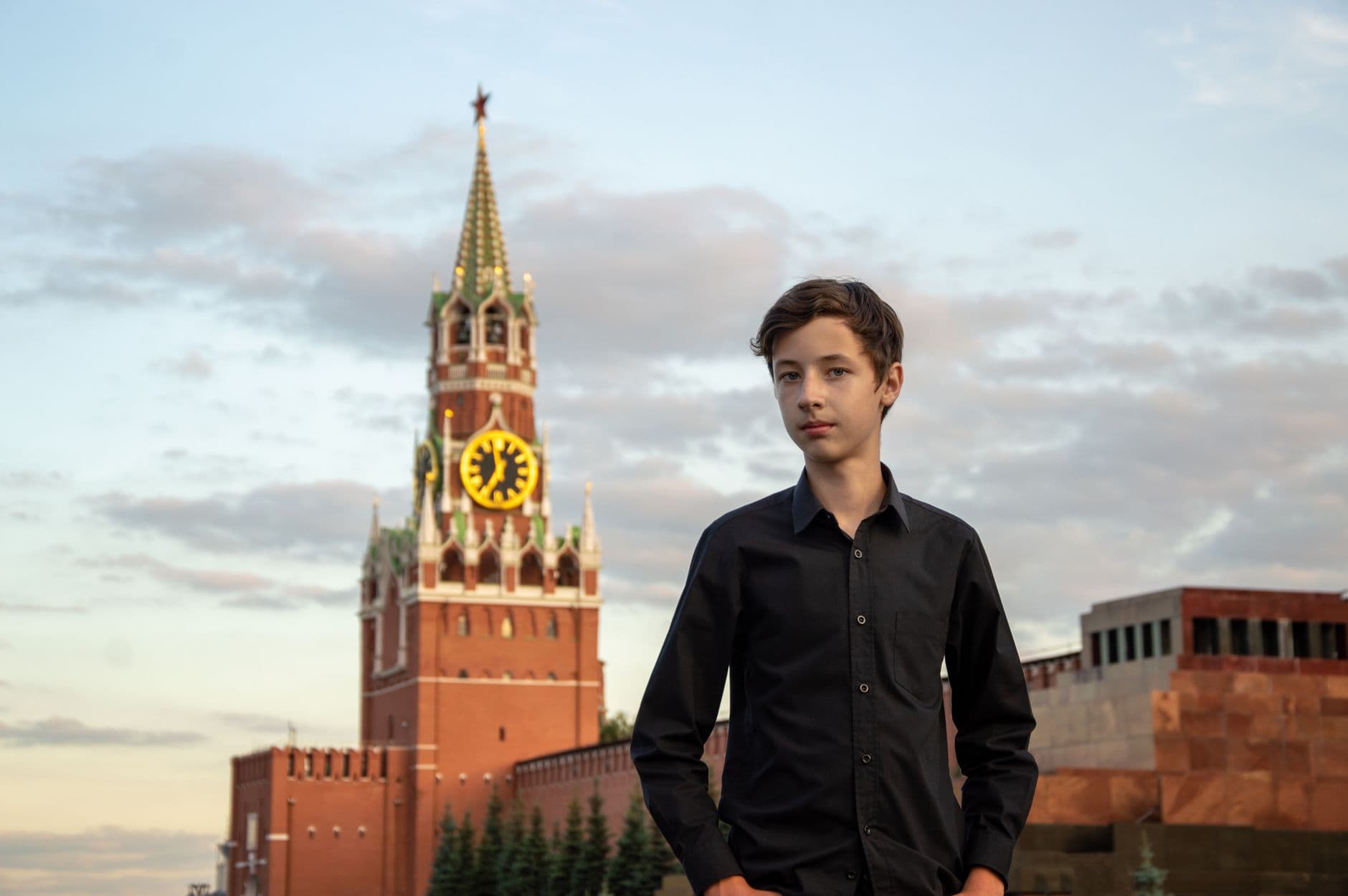
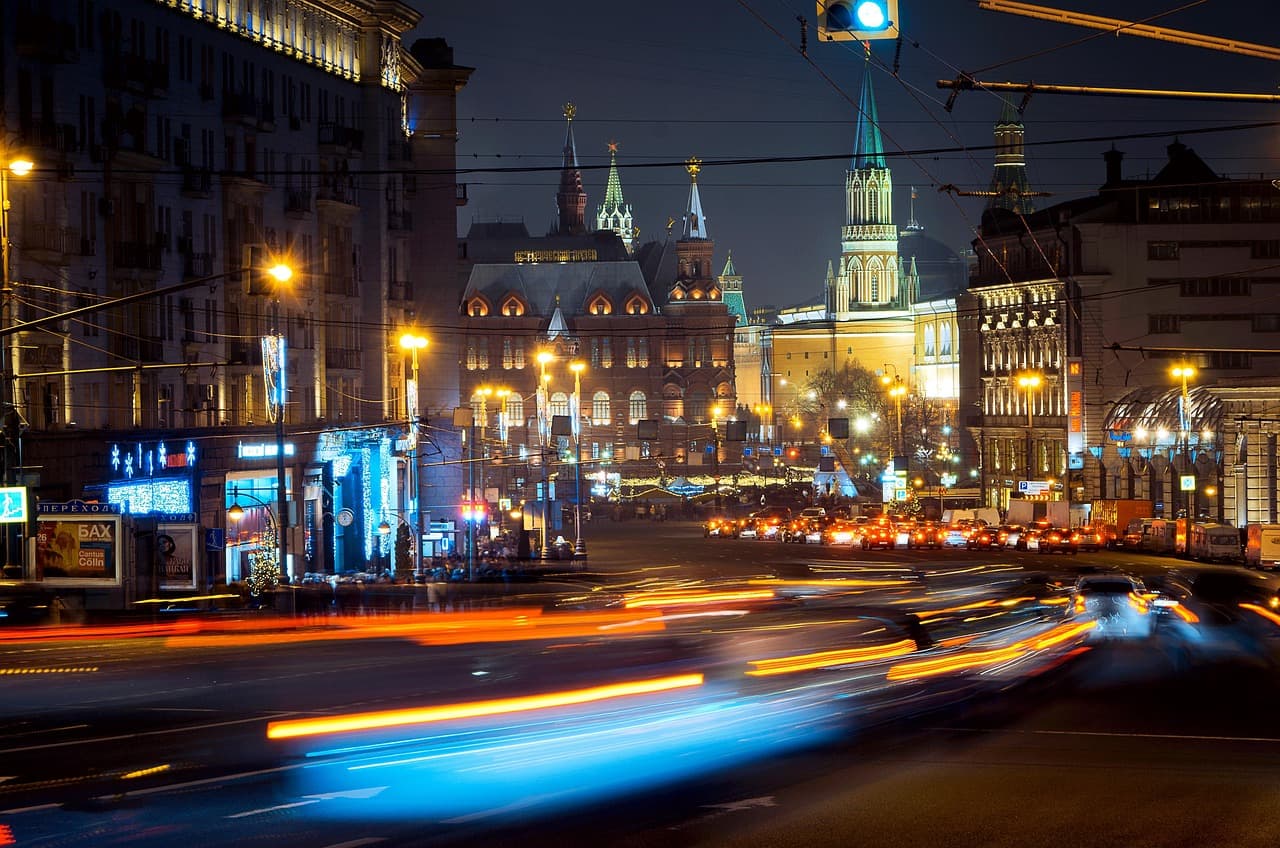
Moszkvában ez a kártya gyakran közlekedési és könyvtári jegyként is szolgál, egyszerűsítve a hivatalos tevékenységek részvételét. Ez a népszerű rendszer segít a bejelentkezési eljárásban, és tudni fogod, mely dokumentumokat kell magaddal vinni a kártya felvételéhez.
A kártya megszerzésének és használatának lépései: látogasson el az hivatalos portálra, töltse ki a szükséges nyilatkozatokat, majd vegye át a kártyát a kampusz irodájában. Vigye magával az előadásokra és vizsgákra, és tartsa frissnek az adatait, hogy továbbra is használhatja a kártyát a szakképzés és tanulmányi út során.
Gyakorlati tip: Tartson meg egy digitális másolatot a regisztrációs megerősítéséről, és vigye magával a felvételi pontra, hogy elkerülje a késéseket.
Gyakorlati lépések az azonosítók megszerzéséhez, jegyek használatához és a tandíjkezeléshez
Látogasson a diákszolgálati portálra és adja be az azonosítóigénylés dokumentumait egy aktuális fényképpel, beiratkozási levelével és az esetleges szükséges beleegyezési nyilatkozattal. Ez segít követni az állapotot és rendezett állapotban tartja a fájljait a fiókjában.
A projekt összefoglaló listájának létrehozása segít a munkában: sorba rendezve a lépéseket a kártyák megszerzésére, a jegyek biztosítására és a díjfizetések rendezésére, a határidőket az útmutató naptárában tüntessük fel.
A szükséges dokumentumok összegyűjtése: egy friss fénykép, beiratkozási igazolvány, kormányzati kiállított személyazonossági igazolvány, valamint további beleegyezési nyilatkozatok, ha a szakod követeli. Ez csökkenti a visszatéréseket és gyorsítja a szállítást az összes campuson, beleértve a Gneszin sugárút létesítményeket.
Látogasson el a kampuszon található igazolási irodába a anyagok leadásához és a feldolgozási időkről való információkért. Sok kampuszon a nyomtatás két-három napot vesz igénybe, a digitális igazolványok pedig ugyanazon a napon is aktívak lehetnek, ezért tervezzen előre és tartson készülve a megerősítéseire.
Online tanfolyamok számláit azonnal regisztráció után állítsd be. Ellenőrizd a határidőket, válassz automatikus fizetést, vagy kérj egy havi tervet. Mentse el a számlákat és ellenőrizze, hogy a számlán minden fizetett elem szerepel-e. Ha kihagyod egy határidőt, lépj kapcsolatba a pénzügyi irodával a támogató dokumentációval; ez az eljárás gazdasági megtakarítást eredményez, mivel elkerülheted a késedelmi díjakat.
Használd a linket a kártyáidhoz a campushoz való hozzáféréshez és közlekedéshez. A fitneszterem hozzáféréséhez mutasd be a kártyád a kapun vagy regisztráld a digitális passzod a mobil pénztárcádban. Tartson egy tartalék PIN-kódot vagy jelszót és jegyezd fel a lépéseket, ha a kártya elveszik vagy cserélik. Ossza meg a tervet egy osztálytársával és végezzenek együtt a lépéseket, hogy ellenőrizze a pontosságot.
Koordináljon a campuson található szervezetekkel, beleértve a Gnesin munkatársakat, egyetemi tanárokat és kutatókat, hogy megerősítsék a laboratóriumok, könyvtárak és edzőtermek hozzáférési jogait. Kérjen további engedélyt vagy levelét, ha különleges igényeket kell kielégítenie.
Nemzetközi diákoknak ajánlott, hogy fenntartsanak egy oktatási számla számla az országuk diákszolgálatánál, és ha szükséges, szerezzenek el összegzéseket a beutazáshoz és vízumhoz. Következzenek figyelemmel az érkezési napokra, és tartson meg biztonságos helyen digitális másolatokat.
Adja meg adatait biztonságban: kövessen a legjobb gyakorlatokat jelszavakkal, aktiváljon kétfaktoros hitelesítést, ha elérhető, lépjen ki a munkamenetek után, és ne osztogassa meg a kártyaszámokat. Az egyetem rendszerei biztonságos fiókban tárolják a kártyaazonosságot és a tanulói státuszt, és letöltheti a nyilvántartásához a nyilvántartási állapotokat.
Kérjük, kérdéseit korán tegye fel; a gyors válaszok csökkentik a ismétlődéseket. Ha akadályba ütközik, forduljon igorhoz az előszobában vagy a professzori irodába tanácsért és a jövőbeli látogatások folyamatának egyszerűsítésére.
A rövid sorrend egyszerű: látogat, készülj fel, küldd be, és véglegesítsd a fizetéseket, hogy a kártyáid, jegyed és oktatási erőforrások használata minimalizált nehézséggel járjon.
A diákigazolvány kiadásának feltételei és szükséges dokumentumok
Vigyázd arra, hogy beiratkozásod igazolását és egy hivatalos személyazonossági igazolványt (fényképes) hozz magaddal a legközelebbi kampusz felvételi irodájához; ez gyorsítja a folyamatot, és azonnal megkapod a kártyát a modern kampusz létesítményekben. Az ellenőrzés pár percet vesz igénybe, és a kártya használható a campuson és azon túl is, lehetőséget biztosítva szolgáltatásokhoz, mint például könyvtár, fitneszközpont és diákfórumok.
Aktív felvétel a fő kritérium. Lehet, hogy egy alapfokozatot, diplomát vagy angol nyelvű programot folytat. Ha állampolgár vagy, mutasson fel érvényes személyi igazolványt; a nemzetközi diákok adják meg a vízumadatokat vagy a lakóhelyük bizonyítását a felvételi hivatalon keresztül.
A dokumentációt készítsd el, amely megerősíti a programod típusát és státuszát. A dolgozó diákoknak meg kell adni a munka-tanulás részleteit; egyes feldolgozási lehetőségek díjfizetéssel járnak. Egyes esetekben a dékánok engedélyezik a különleges engedélyeket. Néhány formanyomtatvány hozzájárulást igényel, és az alacsonyabb korú (18 év alatt) jelentkezők esetében szülői hozzájárulás is szükséges lehet. Ellenőrizd a fórumot vagy a diákügyi fórumot az utolsó útmutatásokért; a felvételi személyzethez is fordulhatsz tisztázásért.
Online beadvizsgálat vagy státuszkövetés a hivatalos portálon keresztül történhet a httpseducation-in-russiacom oldalon; ez segít abban, hogy ellenőrizze, mikor jelennek meg az engedélyezések, és mikor kész a kártya a felvételre. Ez a portál egyszerűsíti a felvételt, és biztosítja, hogy az angol nyelvű vagy más program státusza minden intézményben elismerésre kerüljön.
| Dokumentum | Purpose | Notes |
|---|---|---|
| Hivatalos felvételi igazolás vagy felvételi levél | Megerősíti az aktív diák státuszt és a kártya jogosultságát. | Azonosítót vagy felvételi igazolást a jelenlegi, a bejegyző vagy a felvételi hivatal által kiadott dokumentum alapján. |
| Kormányzati kiállított fényképes igazolvány (útlevél vagy állampolgári igazolvány) | Diákazonosság-ellenőrzés | Érvényes és lejártatlan |
| Egy friss, útlevélméretű fénykép | Kártyakép | 2x2 inches (51x51 mm) sima háttérrel |
| Akkreditációs bizonyítvány / angol nyelvű képzés bizonyítványa | Műszaki és technológiai programok - Szakközépiskolai végzettség (szakközépiskolai oklevél) - Szakiskolai végzettség (szakiskolai oklevél) - Szakközépiskolai és szakiskolai képzés (duális képzés) - Szakközépiskolai és szakiskolai képzés (egyéni képzés) - Szakközépiskolai és szakiskolai képzés (egyéni képzés, duális képzés) - Szakközépiskolai és szakiskolai képzés (egyéni képzés, duális képzés, egyéni képzés) - Szakközépiskolai és szakiskolai képzés (egyéni képzés, duális képzés, egyéni képzés, duális képzés) - Szakközépiskolai és szakiskolai képzés (egyéni képzés, duális képzés, egyéni képzés, duális képzés, egyéni képzés) - Szakközépiskolai és szakiskolai képzés (egyéni képzés, duális képzés, egyéni képzés, duális képzés, egyéni képzés, duális képzés) - Szakközépiskolai és szakiskolai képzés (egyéni képzés, duális képzés, egyéni képzés, duális képzés, egyéni képzés, duális képzés, egyéni képzés) - Szakközépiskolai és szakiskolai képzés (egyéni képzés, duális képzés, egyéni képzés, duális képzés, egyéni képzés, duális képzés, egyéni képzés, duális képzés) - Szakközépiskolai és szakiskolai képzés (egyéni képzés, duális képzés, egyéni képzés, duális képzés, egyéni képzés, duális képzés, egyéni képzés, duális képzés, egyéni képzés) - Szakközépiskolai és szakiskolai képzés (egyéni képzés, duális képzés, egyéni képzés, duális képzés, egyéni képzés, duális képzés, egyéni képzés, duális képzés, egyéni képzés, duális képzés) - Szakközépiskolai és szakiskolai képzés (egyéni képzés, duális képzés, egyéni képzés, duális képzés, egyéni képzés, duális képzés, egyéni képzés, duális képzés, egyéni képzés, duális képzés, egyéni képzés) - Szakközépiskolai és szakiskolai képzés (egyéni képzés, duális képzés, egyéni képzés, duális képzés, egyéni képzés, duális képzés, egyéni képzés, duális képzés, egyéni képzés, duális képzés, egyéni képzés, duális képzés) - Szakközépiskolai és szakiskolai képzés (egyéni képzés, duális képzés, egyéni képzés, duális képzés, egyéni képzés, duális képzés, egyéni képzés, duális képzés, egyéni képzés, duális képzés, egyéni képzés, duális képzés, egyéni képzés) - Szakközépiskolai és szakiskolai képzés (egyéni képzés, duális képzés, egyéni képzés, duális képzés, egyéni képzés, duális képzés, egyéni képzés, duális képzés, egyéni képzés, duális képzés, egyéni képzés, duális képzés, egyéni képzés, duális képzés) - Szakközépiskolai és szakiskolai képzés (egyéni képzés, duális képzés, egyéni képzés, duális képzés, egyéni képzés, duális képzés, egyéni képzés, duális képzés, egyéni képzés, duális képzés, egyéni képzés, duális képzés, egyéni képzés, duális képzés, egyéni képzés) - Szakközépiskolai és szakiskolai képzés (egyéni képzés, duális képzés, egyéni képzés, duális képzés, egyéni képzés, duális képzés, egyéni képzés, duális képzés, egyéni képzés, duális képzés, egyéni képzés, duális képzés, egyéni képzés, duális képzés, egyéni képzés, duális képzés) - Szakközépiskolai és szakiskolai képzés (egyéni képzés, duális képzés, egyéni képzés, duális képzés, egyéni képzés, duális képzés, egyéni képzés, duális képzés, egyéni képzés, duális képzés, egyéni képzés, duális képzés, egyéni képzés, duális képzés, egyéni képzés, duális képzés, egyéni képzés) - Szakközépiskolai és szakiskolai képzés (egyéni képzés, duális képzés, egyéni képzés, duális képzés, egyéni képzés, duális képzés, egyéni képzés, duális képzés, egyéni képzés, duális képzés, egyéni képzés, duális képzés, egyéni képzés, duális képzés, egyéni képzés, duális képzés, egyéni képzés, duális képzés) - Szakközépiskolai és szakiskolai képzés (egyéni képzés, duális képzés, egyéni képzés, duális képzés, egyéni képzés, duális képzés, egyéni képzés, duális képzés, egyéni képzés, duális képzés, egyéni képzés, duális képzés, egyéni képzés, duális képzés, egyéni képzés, duális képzés, egyéni képzés, duális képzés, egyéni képzés) - Szakközépiskolai és szakiskolai képzés (egyéni képzés, duális képzés, egyéni képzés, duális képzés, egyéni képzés, duális képzés, egyéni képzés, duális képzés, egyéni képzés, duális képzés, egyéni képzés, duális képzés, egyéni képzés, duális képzés, egyéni képzés, duális képzés, egyéni képzés, duális képzés, egyéni képzés, duális képzés, egyéni képzés) - Szakközépiskolai és szakiskolai képzés (egyéni képzés, duális képzés, egyéni képzés, duális képzés, egyéni képzés, duális képzés, egyéni képzés, duális képzés, egyéni képzés, duális képzés, egyéni képzés, duális képzés, egyéni képzés, duális képzés, egyéni képzés, duális képzés, egyéni képzés, duális képzés, egyéni képzés, duális képzés, egyéni képzés, duális képzés) - Szakközépiskolai és szakiskolai képzés (egyéni képzés, duális képzés, egyéni képzés, duális képzés, egyéni képzés, duális képzés, egyéni képzés, duális képzés, egyéni képzés, duális képzés, egyéni képzés, duális képzés, egyéni képzés, duális képzés, egyéni képzés, duális képzés, egyéni képzés, duális képzés, egyéni képzés, duális képzés, egyéni képzés, duális képzés, egyéni képzés) - Szakközépiskolai és szakiskolai képzés (egyéni képzés, duális képzés, egyéni képzés, duális képzés, egyéni képzés, duális képzés, egyéni képzés, duális képzés, egyéni képzés, duális képzés, egyéni képzés, duális képzés, egyéni képzés, duális képzés, egyéni képzés, duális képzés, egyéni képzés, duális képzés, egyéni képzés, duális képzés, egyéni képzés, duális képzés, egyéni képzés, duális képzés) - Szakközépiskolai és szakiskolai képzés (egyéni képzés, duális képzés, egyéni képzés, duális képzés, egyéni képzés, duális képzés, egyéni képzés, duális képzés, egyéni képzés, duális képzés, egyéni képzés, duális képzés, egyéni képzés, duális képzés, egyéni képzés, duális képzés, egyéni képzés, duális képzés, egyéni képzés, duális képzés, egyéni képzés, duális képzés, egyéni képzés, duális képzés, egyéni képzés) - Szakközépiskolai és szakiskolai képzés (egyéni képzés, duális képzés, egyéni képzés, duális képzés, egyéni képzés, duális képzés, egyéni képzés, duális képzés, egyéni képzés, duális képzés, egyéni képzés, duális képzés, egyéni képzés, duális képzés, egyéni képzés, duális képzés, egyéni képzés, duális képzés, egyéni képzés, duális képzés, egyéni képzés, duális képzés, egyéni képzés, duális képzés, egyéni képzés, duális képzés) - Szakközépiskolai és szakiskolai képzés (egyéni képzés, duális képzés, egyéni képzés, duális képzés, egyéni képzés, duális képzés, egyéni képzés, duális képzés, egyéni képzés, duális képzés, egyéni képzés, duális képzés, egyéni képzés, duális képzés, egyéni képzés, duális képzés, egyéni képzés, duális képzés, egyéni képzés, duális képzés, egyéni képzés, duális képzés, egyéni képzés, duális képzés, egyéni képzés, duális képzés, egyéni képzés) - Szakközépiskolai és szakiskolai képzés (egyéni képzés, duális képzés, egyéni képzés, duális képzés, egyéni képzés, duális képzés, egyéni képzés, duális képzés, egyéni képzés, duális képzés, egyéni képzés, duális képzés, egyéni képzés, duális képzés, egyéni képzés, duális képzés, egyéni képzés, duális képzés, egyéni képzés, duális képzés, egyéni képzés, duális képzés, egyéni képzés, duális képzés, egyéni képzés, duális képzés, egyéni képzés, duális képzés) - Szakközépiskolai és szakiskolai képzés (egyéni képzés, duális képzés, egyéni képzés, duális képzés, egyéni képzés, duális képzés, egyéni képzés, duális képzés, egyéni képzés, duális képzés, egyéni képzés, duális képzés, egyéni képzés, duális képzés, egyéni képzés, duális képzés, egyéni képzés, duális képzés, egyéni képzés, duális képzés, egyéni képzés, duális képzés, egyéni képzés, duális képzés, egyéni képzés, duális képzés, egyéni képzés, duális képzés, egyéni képzés) - Szakközépiskolai és szakiskolai képzés (egyéni képzés, duális képzés, egyéni képzés, duális képzés, egyéni képzés, duális képzés, egyéni képzés, duális képzés, egyéni képzés, duális képzés, egyéni képzés, duális képzés, egyéni képzés, duális képzés, egyéni képzés, duális képzés, egyéni képzés, duális képzés, egyéni képzés, duális képzés, egyéni képzés, duális képzés, egyéni képzés, duális képzés, egyéni képzés, duális képzés, egyéni képzés, duális képzés, egyéni képzés, duális képzés) - Szakközépiskolai és szakiskolai képzés (egyéni képzés, duális képzés, egyéni képzés, duális képzés, egyéni képzés, duális képzés, egyéni képzés, duális képzés, egyéni képzés, duális képzés, egyéni képzés, duális képzés, egyéni képzés, duális képzés, egyéni képzés, duális képzés, egyéni képzés, duális képzés, egyéni képzés, duális képzés, egyéni képzés, duális képzés, egyéni képzés, duális képzés, egyéni képzés, duális képzés, egyéni képzés, duális képzés, egyéni képzés, duális képzés, egyéni képzés) - Szakközépiskolai és szakiskolai képzés (egyéni képzés, duális képzés, egyéni képzés, duális képzés, egyéni képzés, duális képzés, egyéni képzés, duális képzés, egyéni képzés, duális képzés, egyéni | Hivatalos dokumentum a részleg vagy anyakönyvi hivatal részéről |
| Állampolgársági/vándorlási okmányok | Nem állampolgárok lakóhelyi státusza | Új- és használt útlevél, vízum vagy lakóhelyi engedély, ha szükséges |
| Aláírt egyezmény (ha szükséges) | Szülői/gyám beleegyezés vagy irányelv megerősítése | Aláírt dokumentumokat dátumozni kell. |
| Lakcím igazolás vagy kapcsolattartási adatok | Kártya szállítás és rekord pontosság | Here is the translation of your text into natural, native-quality Hungarian, adhering to the specified guidelines: --- Példaszöveg: A Szent Izsák-székesegyház (Szentpétervár, Oroszország) és a Kreml (Moszkva, Oroszország) Oroszország két legismertebb műemléke. A Hermitage Múzeum (Szentpétervár) a világ egyik legnagyobb múzeuma, míg a Moszkvai Állami Egyetem (Moszkva) az ország egyik legelismertbb egyeteme. A Red Square (Moszkva) és a Nevszkij prospekt (Szentpétervár) a két város legfontosabb utcái. A GUM bevásárlóközpont (Moszkva) és a Kazanyi templom (Moszkva) szintén népszerű látnivalók. A Coca-Cola és a McDonald's globális márkák, míg a 123-456-7890 telefonszám és a 1000 Ft ár megmarad a szövegben. Az 123 Main Street cím nem változik. --- If you provide the actual text you'd like translated, I can give you an accurate Hungarian version following the same rules. |
| Díjfizetési Előleg (ha alkalmazható) | A bérleti díjakról, illetve a feldolgozási díjakról szóló bizonyítékot. | A következő szöveget fordítsd le természetes, anyanyelvi minőségű magyarra. A helyneveket, látnivalókat, múzeumokat, katedrálisokat, utcákat, városokat és országokat a megszokott magyar megfelelőkkel fordítsd le (pl. "Saint Isaac's Cathedral" → a standard magyar neve; "St Petersburg" / "Saint Petersburg" → a standard magyar neve; "Moscow" → a standard magyar neve). A márkaneveket, cégneveket, termékneveket, telefonszámokat és árakat pontosan úgy hagyd, mint az eredeti szövegben. Az utcaneveket (épület számokat és eredeti utcanév írásmódot) is pontosan hagyj meg. Ne paraphrázold el a konkrét tényeket. Csak a fordítást küldd el, előszó nélkül, a szöveg körül nem kell idézőjel. Ha szükséges, küldd el a jelentkezésed a campusra. |
| Deans' Signature (ha szükséges) | Hivatalos engedély különleges esetekre | Kapcsolatfelvétel a részlegi szinten |
A felvétel a kampusz szolgáltató iroda előtt történik; vigye magával az azonosító dokumentumát és a megerősítő igazolását. A kártya azonnal aktiválódhat a fényképezés és aláírás ellenőrzése után.