
For today's travelers, the most important camera is often the one they carry in their pocket. A modern smartphone, with its advanced lenses and powerful processing, is more than enough to capture the stunning sights of Moscow. However, turning a good snapshot into a truly remarkable photograph requires more than just a good camera. It involves understanding composition, light, and, most importantly, post-processing. Therefore, for anyone aiming to master Moscow Through Your Phone, a few essential apps and expert tips can make all the difference. This guide explores the tools and techniques you need to create a professional-looking portfolio of your trip, all from your mobile device.
The Best Apps for Shooting and Editing in Moscow
While a phone's built-in camera app is capable, many third-party applications offer more control and functionality. A popular choice among mobile photographers is Adobe Lightroom Mobile. This app provides a powerful set of tools for adjusting exposure, color, and tone. It also supports shooting in DNG (RAW) format, which captures more data. This allows for greater flexibility during editing. The app also features a "healing" brush that can be used to remove unwanted objects. This is particularly useful in crowded places like Red Square.
Another essential app is Snapseed, a free and intuitive editing tool from Google. Snapseed is known for its selective adjustment feature. This allows users to brighten, darken, or adjust the saturation of specific parts of an image without affecting the whole picture. It's a great tool for beginners. Snapseed also offers a wide range of filters and effects. It even includes advanced features like perspective correction. Therefore, using Snapseed can transform an ordinary photo into a work of art.
For those interested in a more artistic or vintage aesthetic, VSCO is a great option. It has a collection of high-quality presets that mimic the look of film. The app also has robust editing tools. It helps photographers fine-tune their images after applying a filter. Many photographers use VSCO to create a consistent look across their social media feeds. This is especially important when building a visual narrative of a trip to a city like Moscow.
Mastering the Art of Mobile Photography in Moscow
Beyond the apps, a few key techniques can elevate your phone photos from good to great.
Composition and Perspective
Composition is the foundation of any great photograph. For instance, the Rule of Thirds is a classic principle that involves dividing the image into nine equal parts and placing your subject along the lines or at their intersections. This creates a more balanced and visually interesting photo. When photographing landmarks like St. Basil's Cathedral, try placing the building on one of the vertical lines. This leaves space for the sky or the surrounding square.
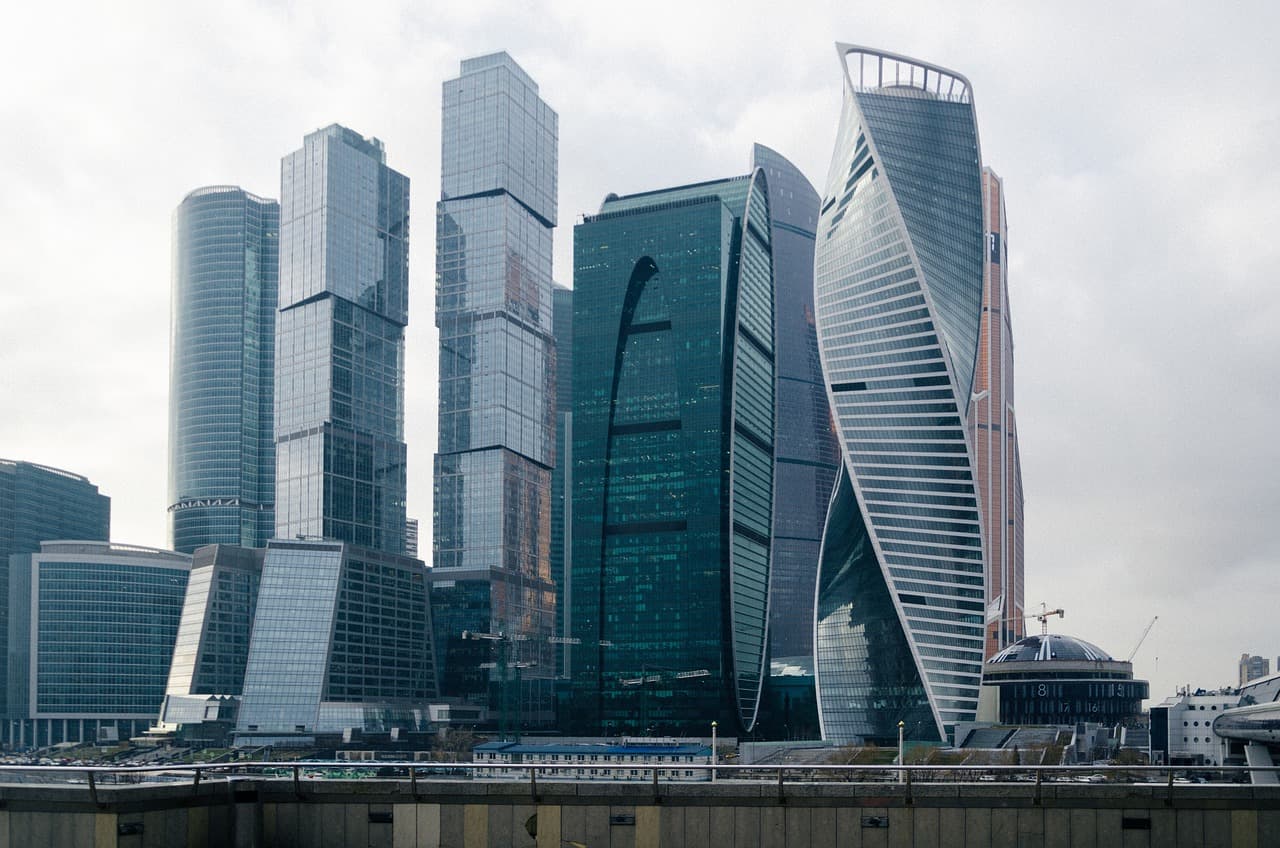
Another powerful technique is using leading lines to draw the viewer's eye into the scene. The winding paths of Gorky Park or the long, straight boulevards of central Moscow can be used to lead the eye towards a focal point. Additionally, don't be afraid to experiment with different angles. Get down low to capture the immense scale of a statue. Or, find a high vantage point to get a sweeping cityscape view.
Light and Timing
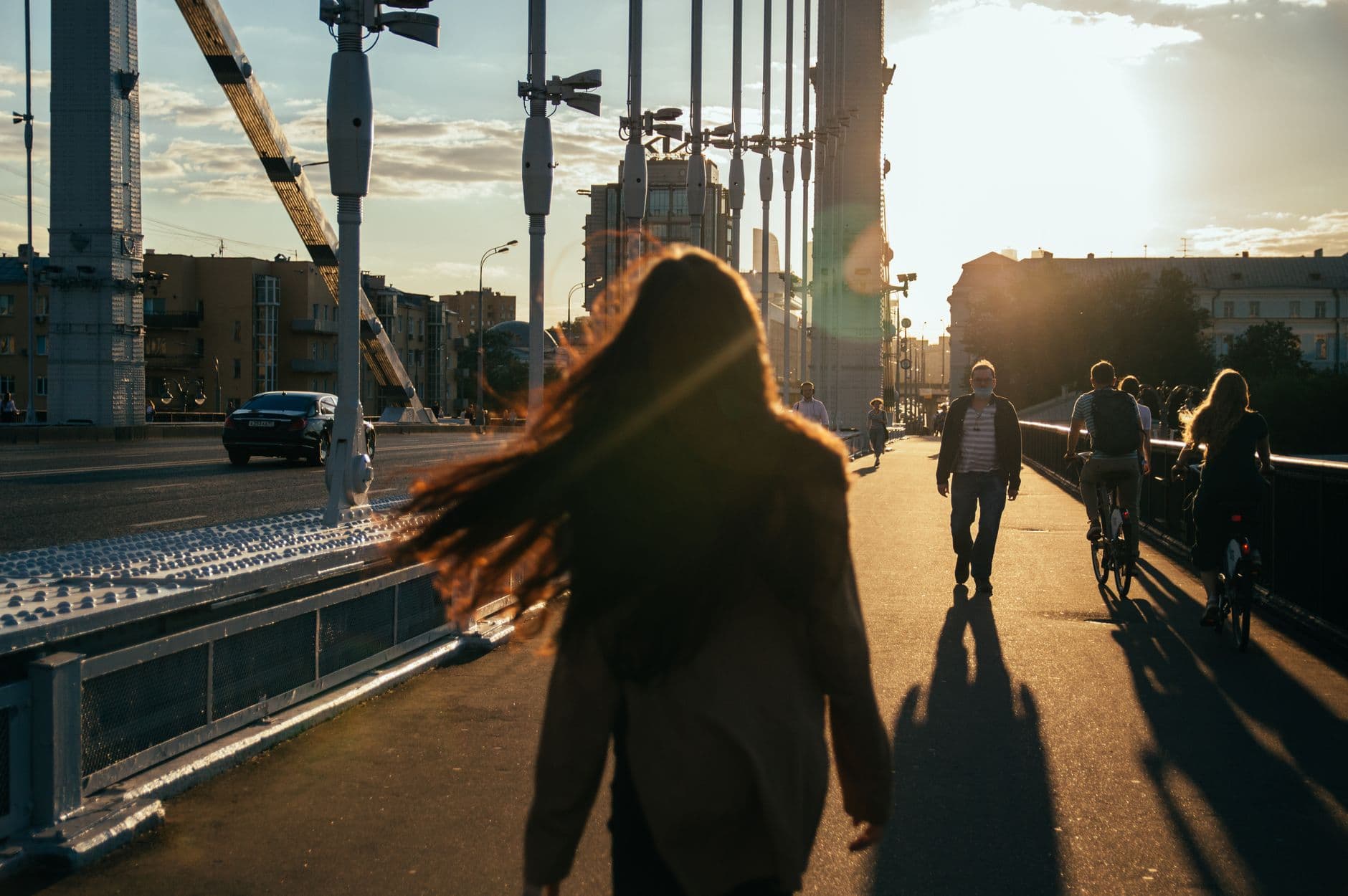
The quality of light can make or break a photo. The best times to shoot are during the "golden hour," which occurs shortly after sunrise and before sunset. The soft, warm light at these times makes everything look more beautiful. It creates a magical glow on buildings and monuments. The "blue hour," the period just after sunset, is also fantastic for capturing the city's illuminated skyline and architectural details. The deep blue sky contrasts beautifully with the bright lights of the city.
In contrast, shooting at midday can result in harsh shadows and overexposed skies. If you must shoot during this time, try to find shade or use a reflective surface to bounce light onto your subject. Mastering light and timing is crucial for anyone trying to capture the essence of Moscow Through Your Phone.